Blog

  • Why Modern Professionals Are Replacing Traditional To-Do Lists with AI

    Why Modern Professionals Are Replacing Traditional To-Do Lists with AI

    The Problem with Traditional To-Do Lists

    To-do lists were built for a simpler time. Today’s professionals juggle complex projects, shifting priorities, and constant interruptions.

    Traditional lists:

    • Don’t adapt
    • Don’t prioritize intelligently
    • Don’t reduce mental load

    That’s why many professionals are now searching for “AI task manager” instead.

    AI Task Management: A Smarter Alternative

    AI task management tools go beyond listing tasks. They analyze, prioritize, and guide execution.

    Instead of asking:

    “What should I do next?”

    AI answers that question for you—based on context, urgency, and workload.

    What Makes AI-Powered Task Managers Different?

    Compared to traditional tools, AI-driven platforms offer:

    • Intelligent prioritization
    • Adaptive planning
    • Reduced cognitive overload
    • Clear next actions

    This is why tools like Kardly.ai stand out in a crowded productivity space.

    Focus Over Features

    Many productivity apps fail because they overload users with features.

    Kardly.ai emphasizes:

    • Simplicity
    • Focus
    • Execution

    This aligns with what professionals actually want—not more options, but less noise.

    Why AI Is the Future of Personal Productivity

    The modern workplace isn’t slowing down. Productivity tools must evolve accordingly.

    AI enables:

    • Smarter workflows
    • Better decision-making
    • More meaningful workdays

    Replacing traditional to-do lists isn’t a trend—it’s a necessity.

    Final Thoughts

    If your productivity system requires constant effort to maintain, it’s broken.

    AI-powered tools like Kardly.ai offer a better way forward—one where clarity replaces chaos and action replaces overwhelm.

  • 7 Practical Productivity Tips Backed by AI (That Actually Work)

    7 Practical Productivity Tips Backed by AI (That Actually Work)

    Why Most Productivity Advice Fails

    If productivity advice really worked, we’d all be effortlessly productive by now. The problem isn’t lack of tips—it’s lack of systems that adapt to real life.

    This is where AI productivity tools step in. They don’t just offer advice; they help you apply it consistently.

    Here are 7 practical productivity tips, enhanced by AI, that actually make a difference.

    1. Stop Managing Tasks—Start Managing Focus

    Long to-do lists don’t equal productivity. They often increase anxiety and reduce focus.

    AI tools help by:

    • Highlighting priority tasks
    • Reducing visual clutter
    • Suggesting what deserves attention now

    Tools like Kardly.ai focus on clarity first, which is critical for sustained productivity.

    2. Break Big Goals into Actionable Steps

    Large tasks create resistance. AI helps break them down into smaller, manageable actions.

    This approach:

    • Reduces procrastination
    • Creates quick wins
    • Builds momentum

    Search data shows rising interest in “AI task breakdown” and “smart task planning”—because people want less thinking, more doing.

    3. Use AI to Eliminate Decision Fatigue

    Every decision drains mental energy. Deciding what to work on next shouldn’t be one of them.

    AI-powered task management tools help by:

    • Prioritizing automatically
    • Suggesting next actions
    • Reducing constant re-planning

    Less decision-making means more execution.

    4. Plan Your Day—But Let AI Adapt It

    Rigid schedules fail when life happens. AI-assisted planning tools dynamically adjust based on workload, deadlines, and progress.

    This flexibility is why many professionals now search for:

    • “AI daily planner”
    • “Smart productivity apps”

    Adaptability is the new productivity superpower.

    5. Reduce Context Switching

    Jumping between tools, tabs, and tasks destroys focus.

    AI productivity platforms consolidate thinking, planning, and execution into one flow—minimizing mental resets and maximizing deep work.

    6. Track Progress Without Micromanaging Yourself

    Manually tracking productivity is exhausting. AI does it quietly in the background.

    Benefits include:

    • Clear progress visibility
    • Less self-judgment
    • More motivation through measurable wins

    7. Build Sustainable Productivity Habits

    The best productivity system is the one you actually stick to.

    AI helps reinforce habits by:

    • Encouraging consistency
    • Reducing friction
    • Adapting to your work style

    Final Thoughts

    Productivity isn’t about hacks—it’s about alignment between intention and action.

    AI tools like Kardly.ai make that alignment easier, smarter, and sustainable.


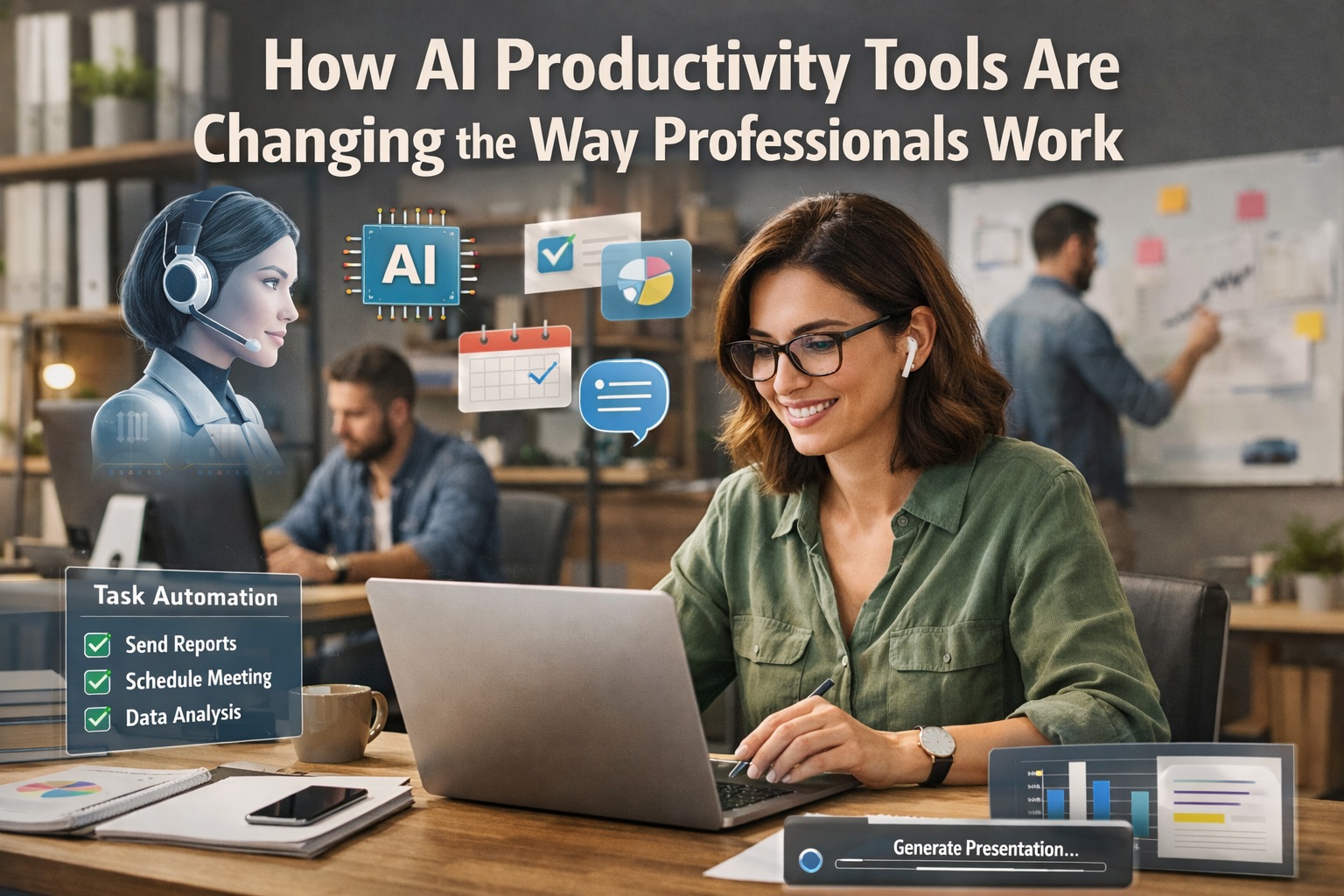
  • How AI Productivity Tools Are Changing the Way Professionals Work

    How AI Productivity Tools Are Changing the Way Professionals Work

    Why Productivity Needs a Smarter Approach

    Productivity used to mean working faster. Today, it means working smarter. With constant notifications, fragmented tasks, and endless to-do lists, professionals are overwhelmed—not unmotivated.

    This is why AI productivity tools are rapidly becoming essential. Instead of simply organizing tasks, modern tools help users prioritize, clarify, and execute work with intention. Platforms like Kardly.ai are leading this shift by turning productivity from a manual process into an intelligent one.

    The Rise of AI-Powered Productivity Software

    Traditional productivity apps rely heavily on user input. You decide what’s important, what comes next, and how your day should look. AI-powered productivity software changes that dynamic.

    AI tools now:

    • Analyze tasks and deadlines
    • Identify priority conflicts
    • Reduce cognitive overload
    • Suggest smarter workflows

    This shift mirrors what we’ve seen across leading platforms like Notion AI, Motion, and ClickUp AI—but with a growing focus on clarity and focus, not just automation.

    Why Task Overload Is the Real Productivity Killer

    Most professionals don’t struggle because they lack tools. They struggle because they have too many tasks and no clear system for deciding what matters most.

    Common problems include:

    • Overloaded task lists
    • Context switching between apps
    • Unclear priorities
    • Mental fatigue from constant decision-making

    AI helps solve this by removing friction. Instead of asking, “What should I work on next?”, users get guided answers based on real data.

    How Kardly.ai Fits into the New Productivity Stack

    Kardly.ai focuses on actionable productivity, not just organization. Rather than becoming another complex dashboard, it simplifies work by helping users:

    • Break down tasks into clear actions
    • Stay focused on what matters now
    • Reduce decision fatigue
    • Build consistent execution habits

    This aligns with what professionals increasingly search for online:

    “AI task manager”
    “Best productivity tools for professionals”
    “AI tools for focus and planning”

    Kardly.ai meets these needs without adding unnecessary complexity.

    AI Productivity Isn’t About Doing More—It’s About Doing Better

    The most effective professionals aren’t the busiest. They’re the most focused.

    AI productivity tools help users:

    • Eliminate low-value tasks
    • Protect deep work time
    • Create realistic plans
    • Maintain momentum throughout the day

    This is where AI becomes a thinking partner, not just a scheduler.

    Final Thoughts

    The future of productivity isn’t about squeezing more hours out of the day. It’s about making every hour count.

    AI-powered tools like Kardly.ai are redefining how professionals work—by turning overwhelm into clarity and effort into execution.

    If you’re still managing productivity manually, you’re already behind.

  • How to Take Better Notes While Reading (and Actually Remember What You Read)

    How to Take Better Notes While Reading (and Actually Remember What You Read)

    Taking notes while reading isn’t just something students do — it’s one of the most powerful ways to understand, retain, and use what you read. Whether you’re reading textbooks, research papers, or articles, effective note-taking turns passive reading into active learning. Studley+1

    Let’s walk through why it matters and how you can do it in a smart, sustainable way so your notes actually help you learn — not just collect dust on a page.


    1. Why Note-Taking Matters More Than You Think

    When you take notes as you read, you’re doing more than writing words — you’re interacting with the material. That process helps:

    • Deepen comprehension: You’re forced to think about what the author is saying and why it’s important. OpenStax Assets
    • Improve retention: Notes help you remember key ideas later because you’ve processed them actively. University of Reading LibGuides
    • Build a study resource: Instead of rereading entire pages, you can review your structured notes. The Learning Center

    In other words, note-taking transforms reading from a passive act into an active one.


    2. Before You Start Reading: Get Ready

    Skim first.
    Take a few minutes to preview the structure — table of contents, chapter headings, summaries — so you know what’s coming. This gives your brain a roadmap and makes note-taking more strategic. Wikipedia

    Think about your purpose.
    Are you reading for understanding? For research? For an upcoming test? Your strategy should depend on your goal. For example:

    • If you’re studying for a test, focus on concepts + examples.
    • If you’re reading for research, focus on arguments + evidence.

    3. Active Reading + Annotation Techniques

    Instead of highlighting everything (we all fall into that trap), try these active strategies: The Learning Center

    Highlight selectively

    Only mark what’s truly important, not every sentence that looks “useful.” Otherwise, nothing stands out. Medium

    Annotate as you go

    Write short notes in the margin or in your notebook about:

    • Main ideas
    • Questions that come up
    • Surprising facts

    This turns reading into a dialogue with the text. Studley

    Use symbols and shorthand

    Develop a quick shorthand system — like:

    • “!” for key insights
    • “?” for confusing parts
    • “→” for cause/effect
      This speeds up your note-taking and keeps pages clean. unsw.edu.au

    4. Note-Taking Frameworks That Work

    Here are a few structured ways to take notes that help your brain organize information:

    🧠 Cornell Method

    Divide your page into:

    • Notes section
    • Keywords/question column
    • Summary at the bottom

    This forces you to condense and reflect on what you read. Wikipedia

    🌀 Outline Method

    Use headings, subheadings, and bullet lists to break down ideas hierarchically. Great for dense textbooks. GoodNotes

    🌳 Mind Mapping

    Draw a visual map connecting concepts — excellent for visual thinkers. www.slideshare.net

    You don’t have to stick with one forever; mix methods until you find what clicks for you.


    5. At the End of a Section: Summarize

    After each chapter or major section, take a moment to write a short summary in your own words. This helps you:

    • Consolidate learning
    • Spot gaps in your understanding
    • Prepare better for review later

    Studies show that summarizing improves retention because it forces you to distill ideas into their essence. Reading Rockets


    6. Review Your Notes Regularly

    Don’t just take notes and forget them! Regular review — even briefly once a week — boosts long-term memory and understanding. It turns short-term recognition into deep mastery. unsw.edu.au


    7. Turn Notes Into Useful Study Tools

    Once you’ve taken notes, you can transform them into:

    • Flashcards for spaced repetition
    • Concept maps for review
    • Quizzes for self-testing

    This turns passive notes into active learning tools — one of the key study strategies used by top students. Studley


    Your Reading, But Smarter

    Great reading is a skill — and note-taking makes it intentional. Instead of letting information fly by, you slow it down long enough to understand, connect, and remember it.

    Whether you’re prepping for exams, doing research, or just reading to learn, mastering note-taking will boost your comprehension and make your study time much more effective.

    Want tools to make this even easier? Try Kardly.ai — where smart workflows and AI-assisted study tools help you turn notes into knowledge. 📚✨

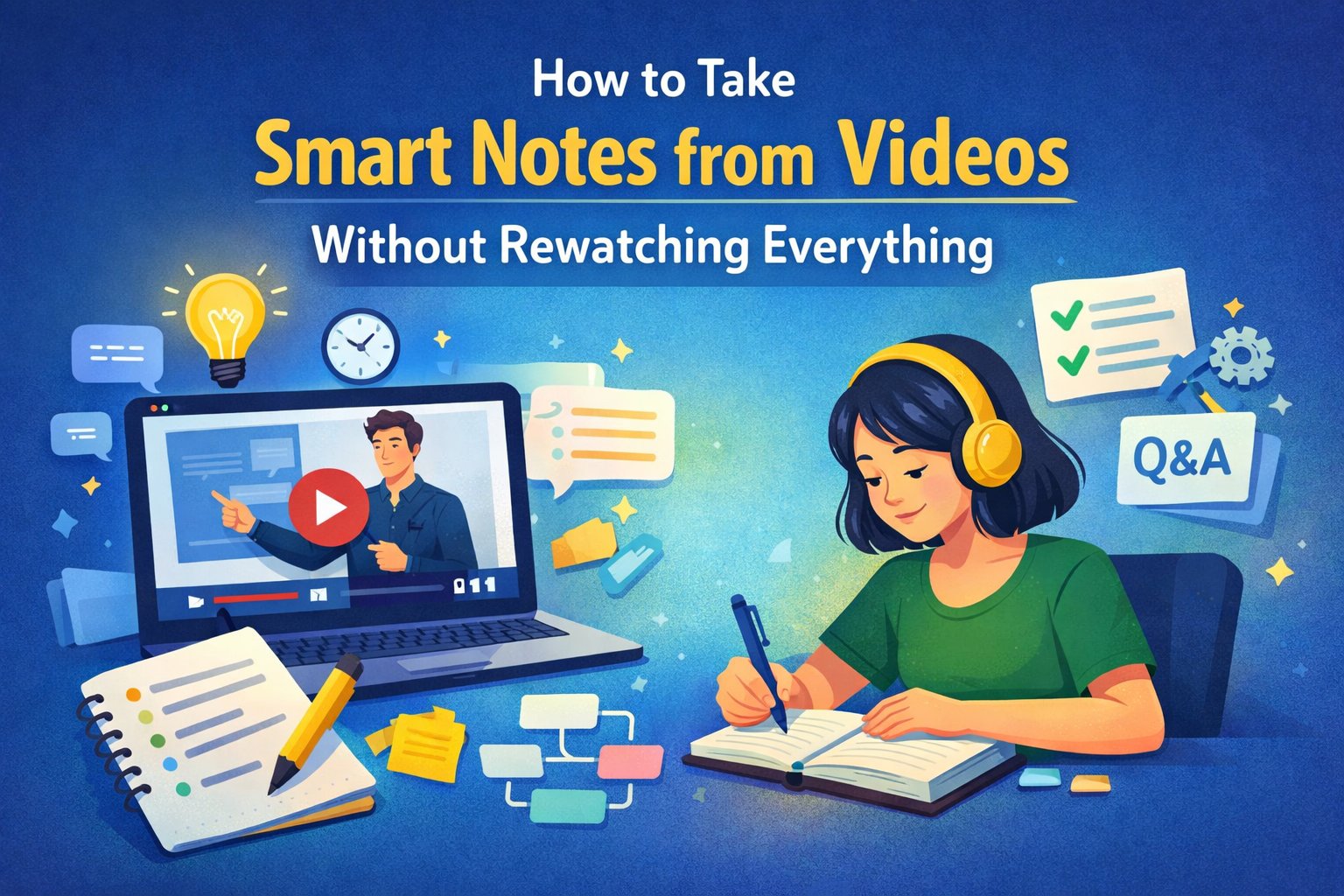
  • Why Video Note-Taking Is Different

    Why Video Note-Taking Is Different

    Unlike textbooks or articles, videos move forward whether you’re ready or not. You can’t skim easily, and important ideas can be missed if you lose focus for just a few seconds.

    That’s why good video note-taking requires:

    • Active attention
    • Clear structure
    • Smart use of tools

    Once you adjust your approach, videos become one of the most powerful learning formats available.

    Step 1: Define Your Purpose Before Watching

    Before pressing play, ask yourself one simple question:

    “What do I want to learn from this video?”

    Write down:

    • The topic or title
    • Why you’re watching it
    • What you expect to gain (key concepts, exam prep, skill practice, etc.)

    This creates a mental filter so you focus only on information that matters — instead of trying to capture everything.


    Step 2: Break the Video into Sections

    Instead of treating the video as one long piece of content, divide it into parts.

    You can:

    • Use visible chapter markers (if available)
    • Create your own sections based on topic changes
    • Add timestamps next to your notes

    This makes your notes easier to review later and helps you quickly return to specific moments without rewatching the entire video.


    Step 3: Listen for Ideas, Not Sentences

    One of the most common mistakes learners make is trying to write down exactly what the speaker says.

    Instead:

    • Focus on ideas and explanations
    • Write short phrases or bullet points
    • Use your own words whenever possible

    If you can explain the concept in your own language, you’re already learning — not just copying.


    Step 4: Pause Strategically (Not Constantly)

    Pausing is useful, but overusing it breaks your focus.

    A better approach:

    • Watch a short segment (1–3 minutes)
    • Pause and write down key points
    • Resume without immediately replaying

    If something is unclear, then rewind. This keeps your attention on understanding rather than perfection.


    Step 5: Use Visual Signals in Your Notes

    Your notes should be easy to scan later.

    Try using:

    • Bold text for main ideas
    • Symbols like ⭐ for important concepts
    • Indentation for supporting details
    • Simple diagrams for processes or comparisons

    Visual organization saves time when reviewing and helps your brain recall information faster.


    Step 6: Summarize After the Video Ends

    The most powerful learning happens after the video.

    When you finish watching:

    • Write a short summary (3–5 lines)
    • List key takeaways
    • Note any questions you still have

    This step strengthens memory and reveals gaps in understanding while the content is still fresh.


    Step 7: Turn Notes into Study-Ready Material

    Raw notes are useful, but structured notes are even better.

    You can:

    • Convert key points into flashcards
    • Create a checklist or outline
    • Group related ideas together

    This makes your notes reusable — especially for revision, exams, or future projects.


    How Kardly.ai Makes Video Learning Easier

    Manual note-taking is effective, but it can also be time-consuming. Kardly.ai helps by transforming video content into:

    • Clear summaries
    • Structured notes
    • Flashcards you can review anytime

    Instead of rewatching videos repeatedly, you can focus on understanding and retention — faster and more efficiently.


    Final Thoughts

    Taking notes from videos doesn’t have to feel chaotic or exhausting. With the right strategy, you can turn any video into organized, meaningful knowledge that sticks.

    Focus on purpose, structure, and clarity — and let your notes work for you, not against you.

    Ready to learn smarter? Kardly.ai is built to help you do exactly that.